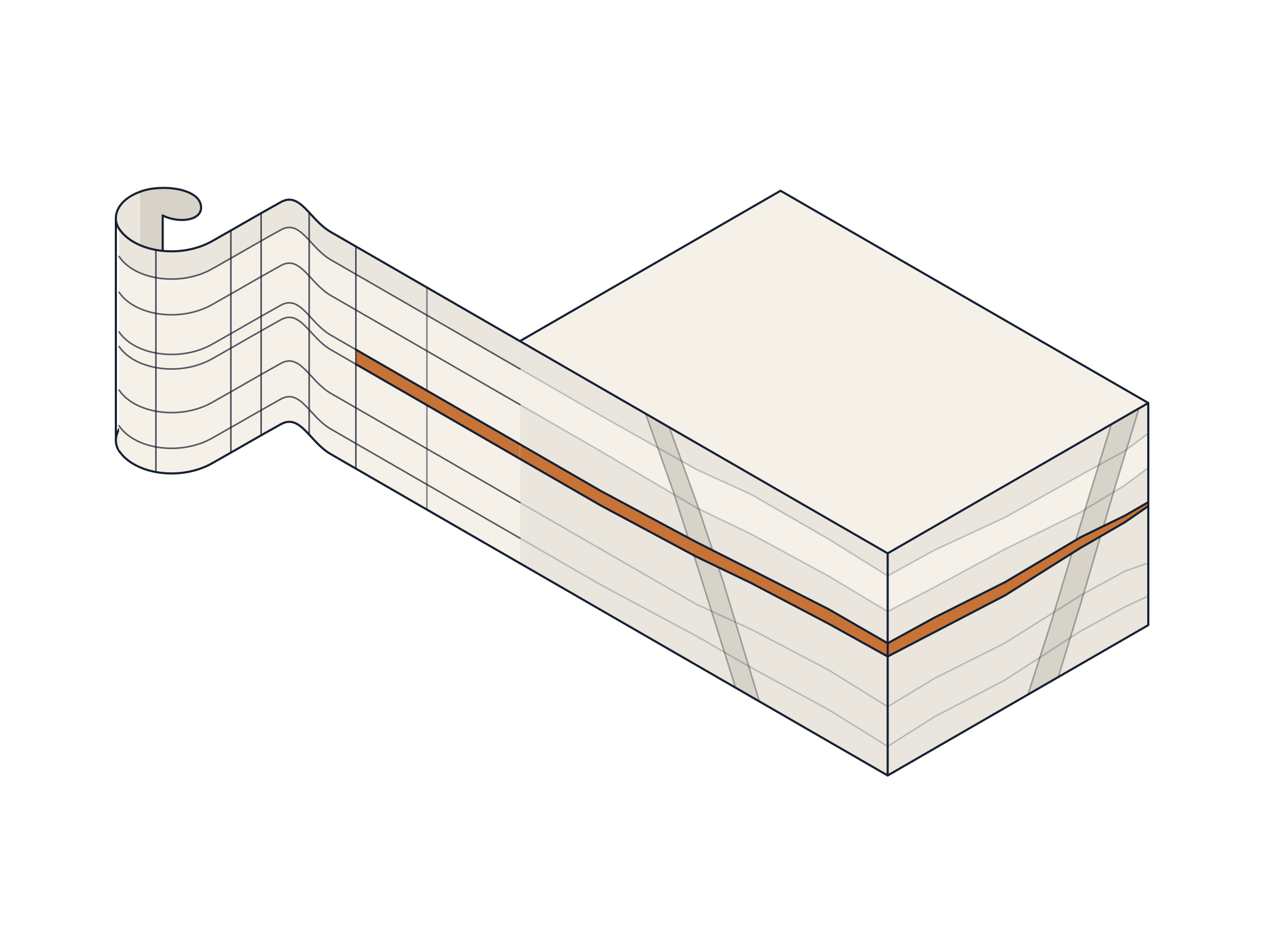
Load the mine plan
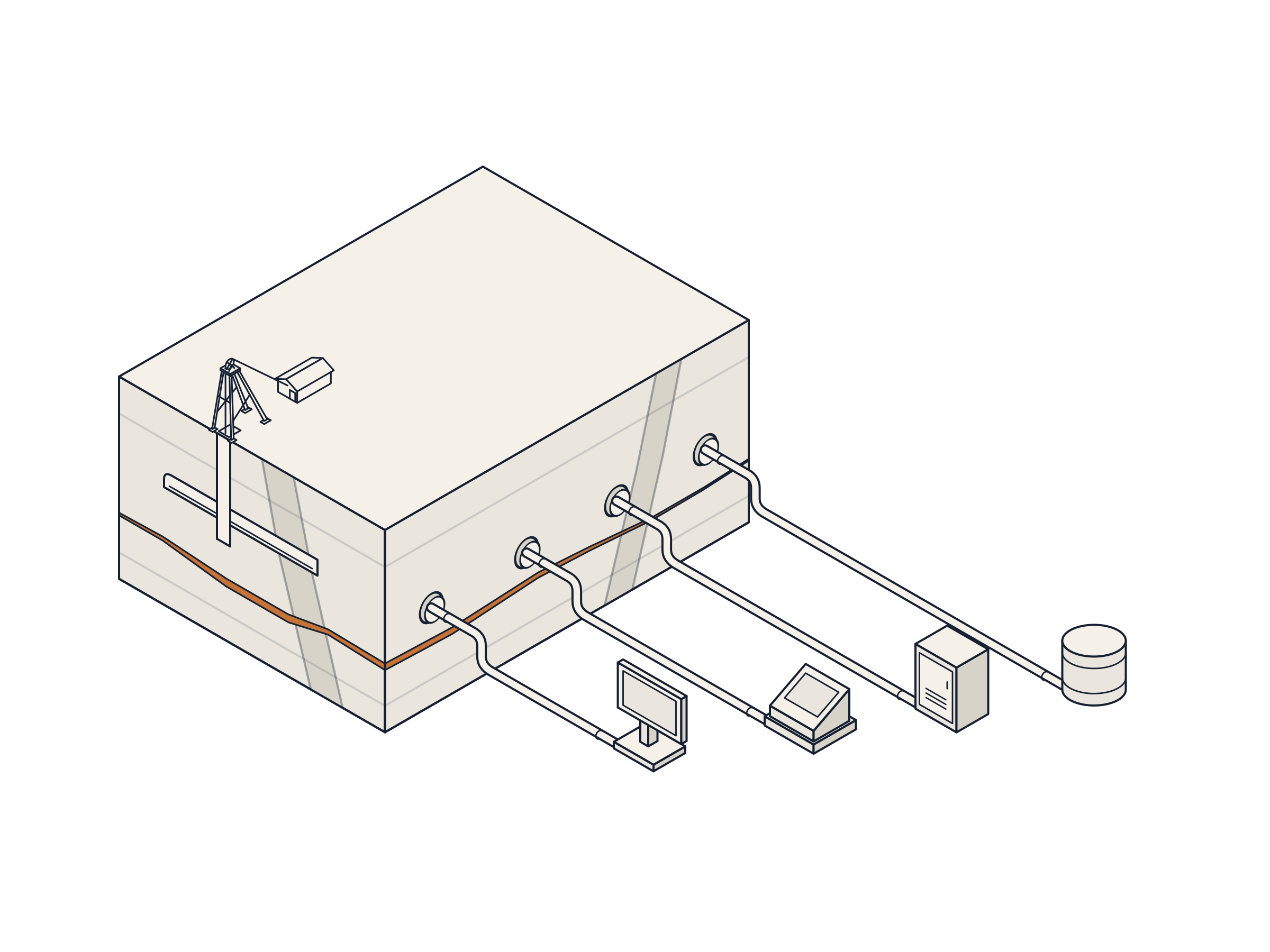
Use the Excel export from your planning software or the workbook your team prepared. Review the columns and units before confirming the import.

OreTally takes the metres, tonnes and equipment hours in your mine plan and calculates the cost of each line item. When a cost changes, you can see what drove it.
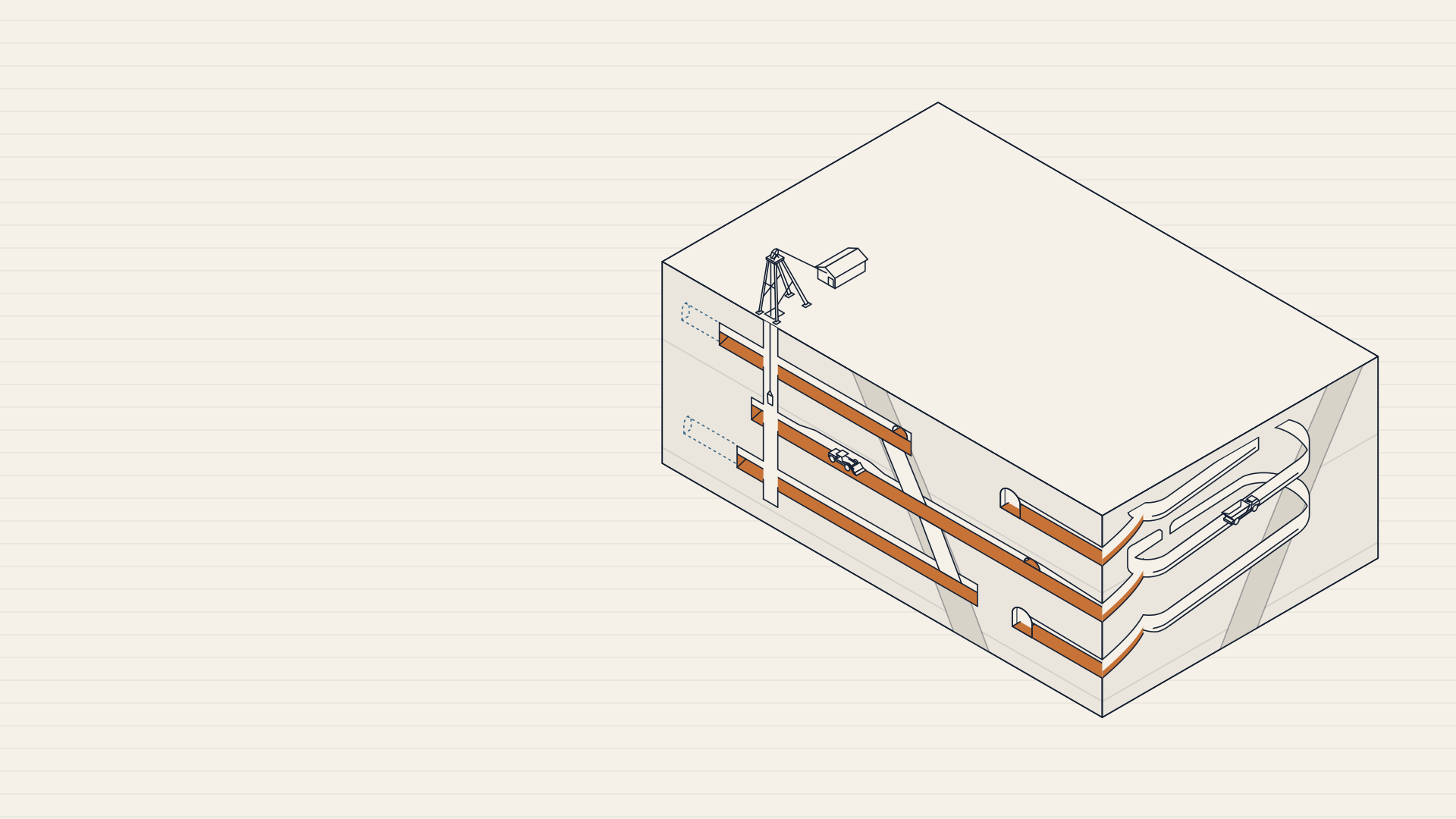
Use the Excel export from your planning software or the workbook your team prepared. Review the columns and units before confirming the import.
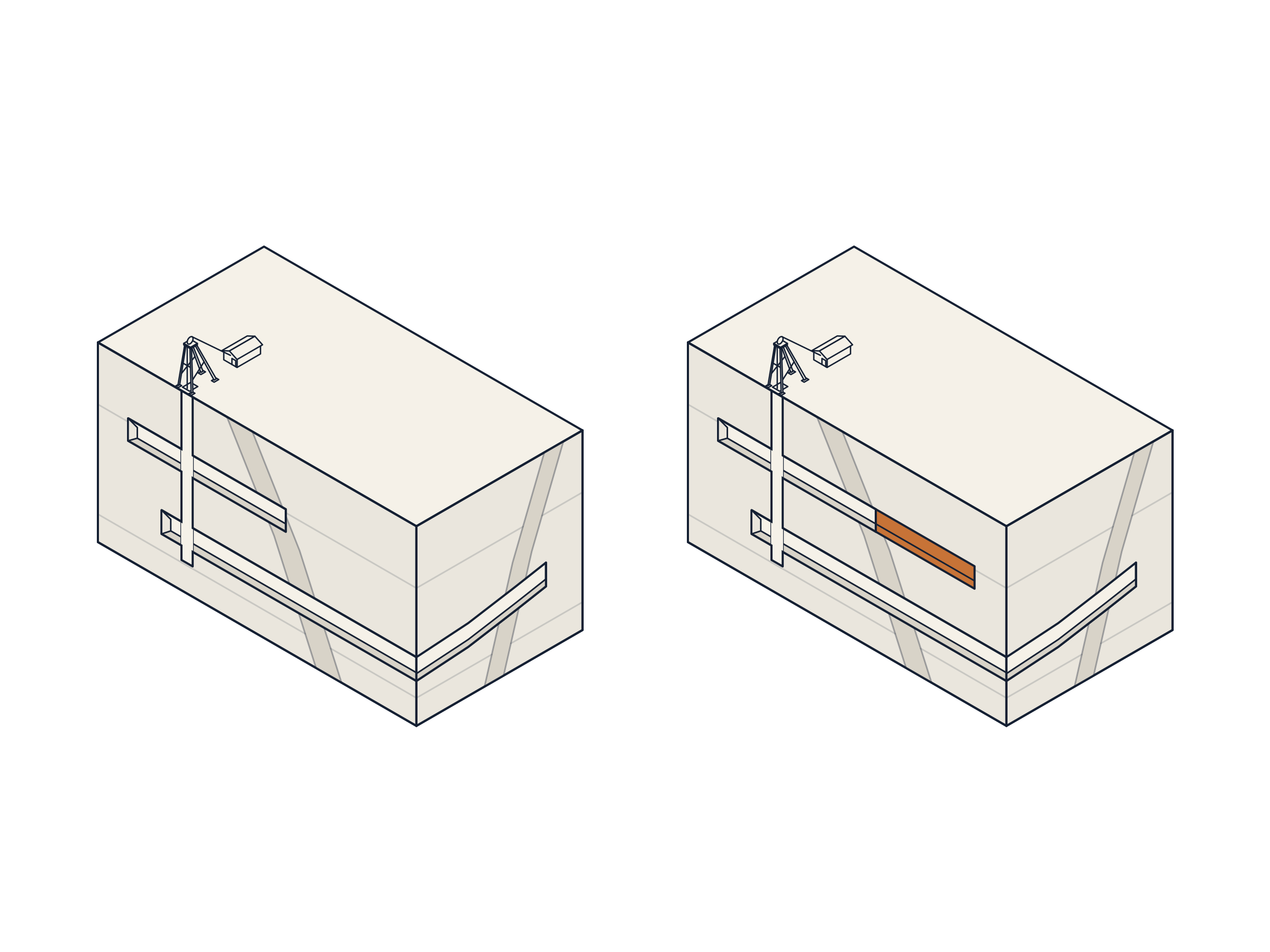
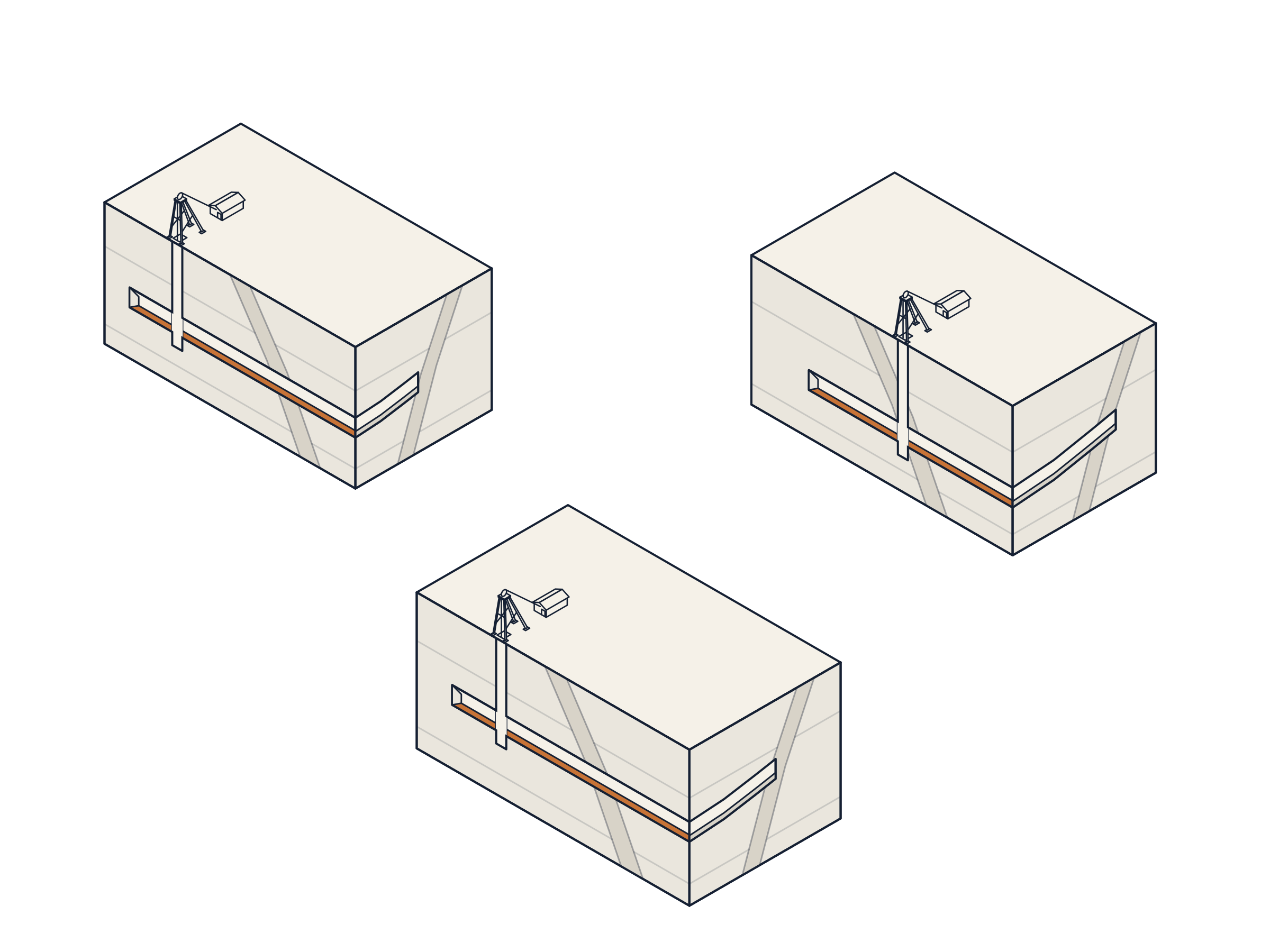
Compare two versions. OreTally breaks down the difference in a fixed order so you can see the effect of quantity first, then consumption, then price.
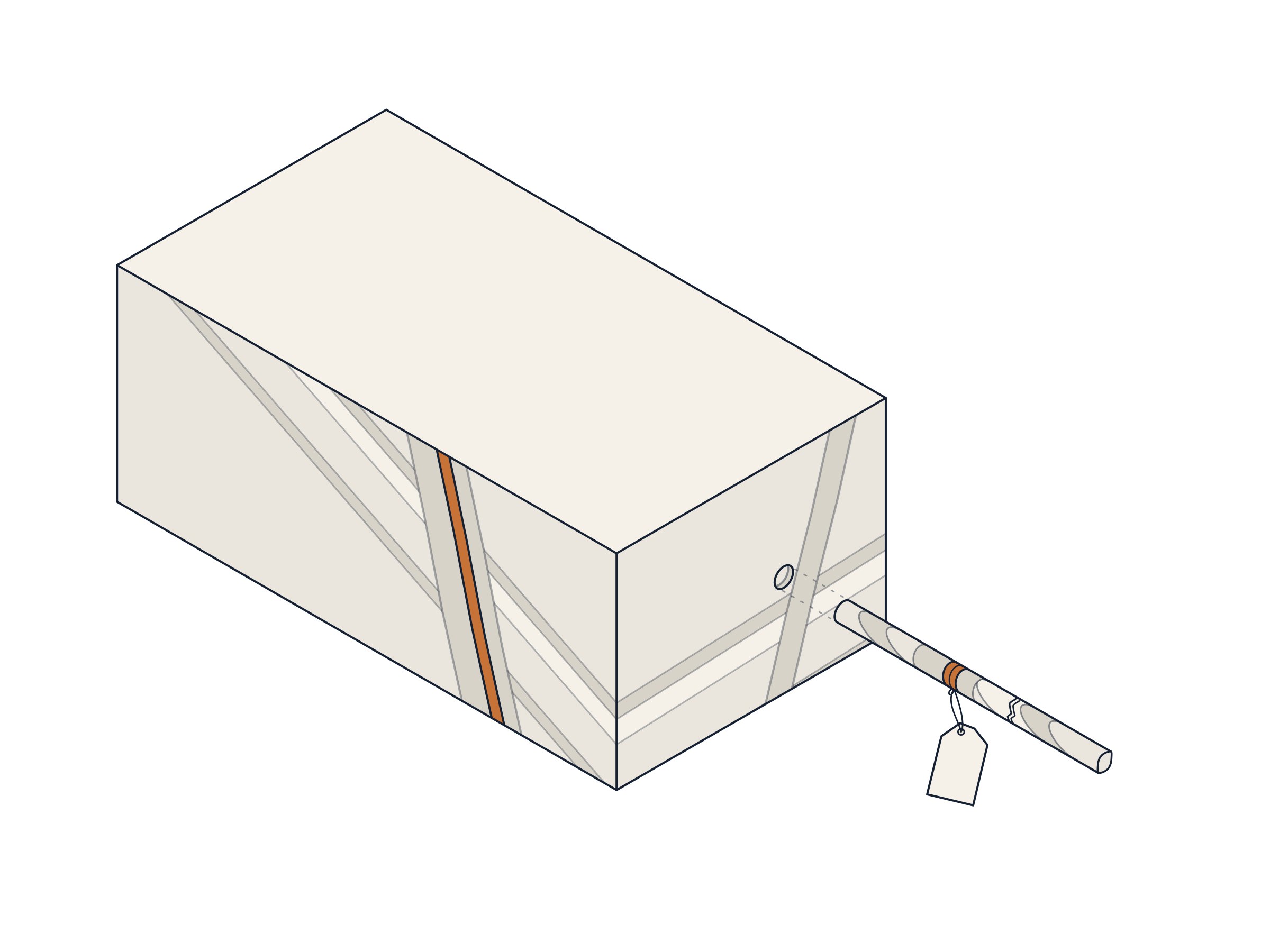
Open a figure to see the formula and the data behind it. If you have a question, leave a comment on the number you are reviewing.
Read published results in Excel or Power BI. Use SQL queries or Python to work with the same figures in your own analyses.
Sign in with your Microsoft or Google account.
Each team has its own isolated workspace.
Workspace data is stored in Azure.
If your account needs access, you can request it from the application.
